
Got an unconditional offer for a course starting in August 2026?

You can now login, enrol and secure your place at Glasgow Kelvin College

What's Next

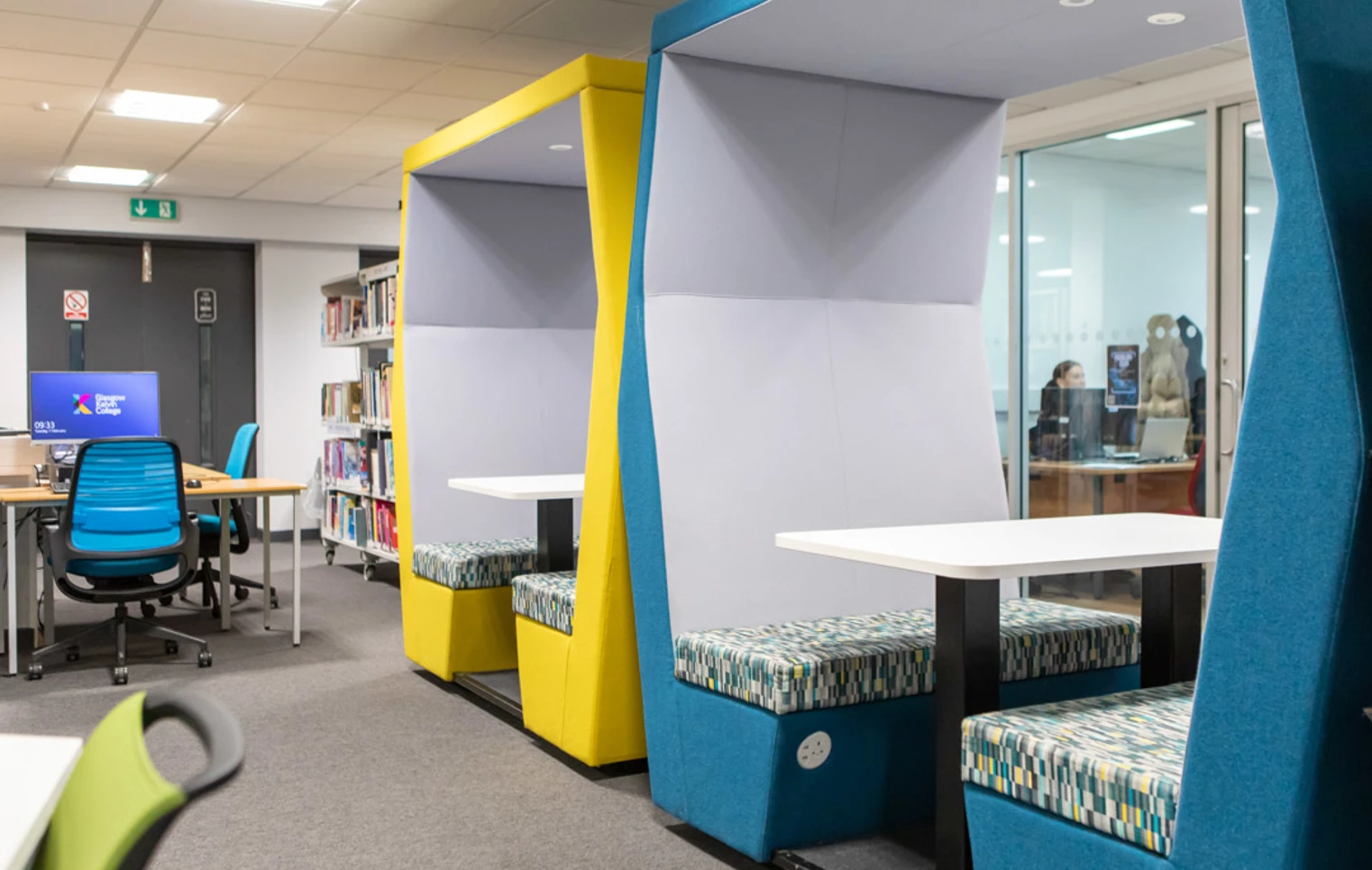
Colourful study pods and computer workstations in the Library and Flexible Learning Centre at Glasgow Kelvin College’s Easterhouse campus.

Now that you’ve enrolled, it’s time to get everything set up for starting at Glasgow Kelvin College.

This page brings together the key steps and information you’ll need, including setting up your student account, accessing MyKelvin, and getting your student ID. You’ll also find useful links to funding and support services to help you get off to a strong start.

Everything here is designed to help you feel prepared, organised, and ready for your first day at Kelvin.

Once you have completed your enrolment, log back in to your 

Online Account

and select the My Photograph tab. Follow the advice on screen to upload your photo.

If you can’t upload a photo you can get one taken by the Library Team.

Please be aware that the majority of student IDs are now online but students can request a physical card if needed.

You will be contacted by the Library Team at a later date with information on how to collect your card.

Continuing Student

All continuing students will use the same user account from the previous year, providing you with access to your previous email, OneDrive, identity, Team, etc.

If you enrol on or before the 31st July:

We will not reset your passwords and will send you an email around the end of July to advise you to continue using your current email account.

If you have forgotten your password you will be able to get access using the Self-Service Password Reset using this link -

Reset Your Password » Glasgow Kelvin College

If you enrol after the 31st July:

We reset all accounts that haven’t enrolled on the 1st August.

If you enrol after this date you will be sent an email asking you to login and change your password (as it’s been set back to the default).  

Once you have done this, you will still be using the same account from the previous year.

New Student

The ICT Team will contact you around the end of July, explaining the process for activating your College ICT account

If you enrol after the 31st July:

Around one hour after you complete your enrolment you will receive an automatic email explaining the process to activate tour College ICT account

MyKelvin is the place where you can get access to all the information you need to study at Glasgow Kelvin College - Timetables, attendance, easy access to email and much more.

You can access MyKelvin on your PC/laptop by visiting 

https://glasgowkelvin.sharepoint.com/sites/MyKelvin

or you can download the app MyKelvin app

For iOS

For Android

To log in or download MyKelvin you will require your College ICT account credentials

For details on different funding options and how to apply, visit our 

Student Funding & Fees page 

The College offers a wide range of support services to students at GKC, including 

Advice, Guidance & learner Support

and

The Student Association

`